
Click-to-WhatsApp Ads: How to Turn Facebook and Instagram Ads into WhatsApp Leads
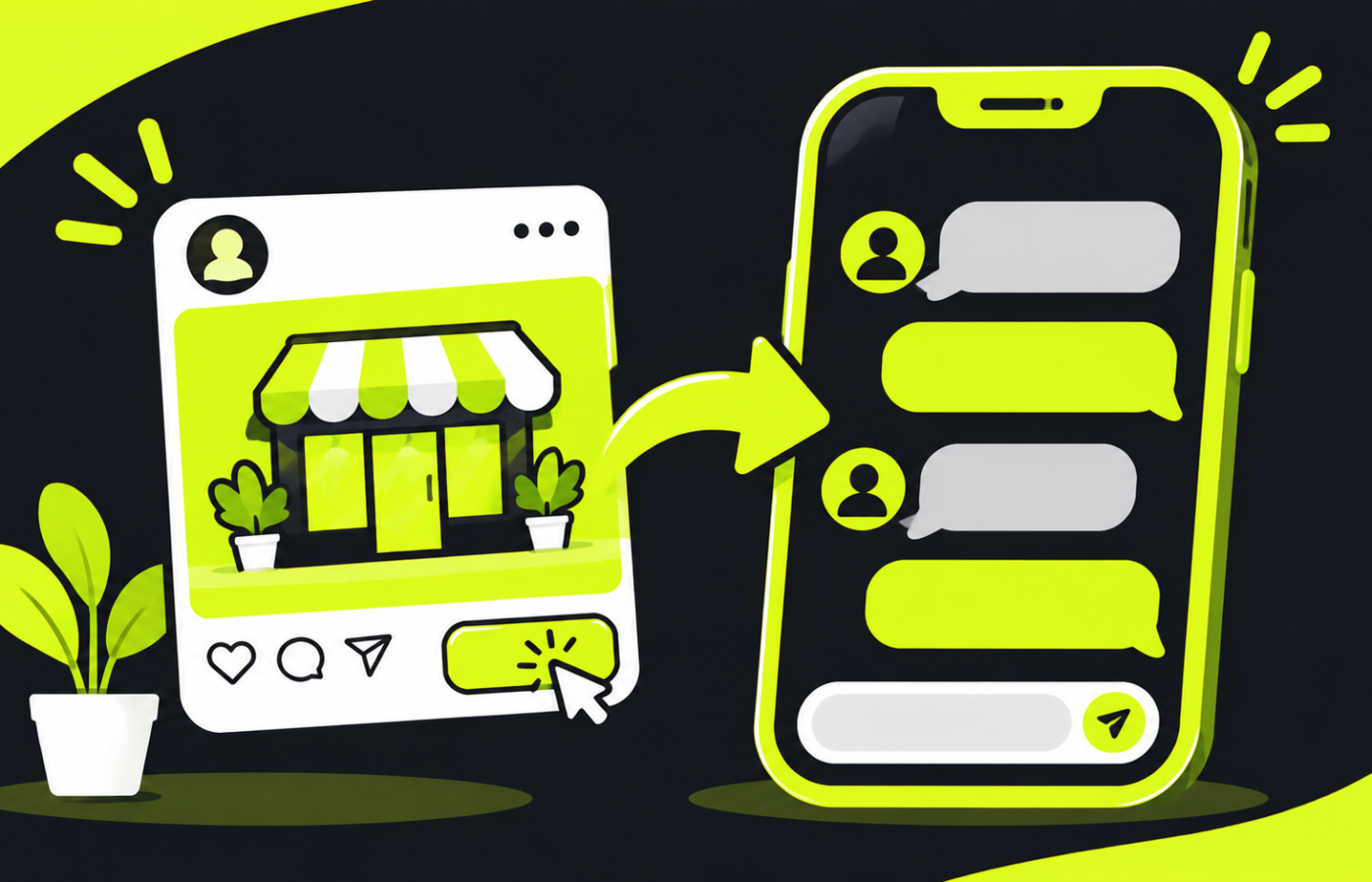
In India, customers prefer to message a business before buying. They want to ask the price, check availability and negotiate. Click-to-WhatsApp ads fit that habit: someone sees your ad on Facebook or Instagram, taps the button and lands in a WhatsApp chat with you.
Why this works for local businesses
- No form to fill. One tap and they are talking to you.
- Familiar app. Almost every customer already uses WhatsApp.
- Real conversation. You can answer doubts, share photos and close the sale.
- Lower friction than a website, especially if you do not have one yet.
What you need before you start
- A WhatsApp Business account (the free app is enough to begin).
- A Facebook Page linked to your WhatsApp number.
- A phone number that someone checks every day.
- A clear offer.
Setting up the ad (the short version)
- In Ads Manager, create a campaign with a messages goal (the exact name varies; look for the WhatsApp or messaging option).
- Choose WhatsApp as the destination.
- Set a tight location around your service area.
- Upload a strong creative: a real photo or short video.
- Write a headline that makes one clear promise.
- Set a welcome message or quick-reply prompts so the chat opens with context, such as “Hi, I saw your ad about gold loans. Can you share the details?”
Write ads that attract serious enquiries
Avoid vague ads like “Message us now.” Say what you offer and who it is for:
“Gold loan in Kallakurichi. Same-day approval. Message us to check today’s rate.”
Include the price or starting price when you can. Ads that state price attract fewer curious clicks and more buyers, which means a lower cost per real customer.
Reply fast
Speed decides who wins. A customer who messages three businesses will usually go with the first to reply. Set up:
- A greeting message that sends automatically.
- Quick replies for common questions (price, location, hours).
- A catalogue with photos and prices.
- Notifications on your phone, with a team member responsible for answering.
Follow up the right way
Do not send promotional messages to people who did not agree to receive them. WhatsApp has rules on messaging customers, and misuse can get your number restricted. Reply to customers who contacted you, and use approved channels for broadcast marketing. Check the current WhatsApp Business policies before sending bulk messages.
If you need approved bulk communication, see our promotional bulk SMS service.
Measure what matters
Track:
- Number of conversations started.
- Cost per conversation.
- How many became actual sales.
Note in a sheet which ad each customer came from by asking, “Where did you see us?” The cheapest conversation is not always the best customer.
Common mistakes
- Sending traffic to a number nobody answers.
- Targeting a huge area, so you get enquiries you cannot serve.
- Not following up after the first message.
- Counting messages as sales.
Need help?
We set up Click-to-WhatsApp campaigns and reply workflows for local businesses. See our social media and ads services, or read our WhatsApp marketing guide for boutiques.
Related reading: WhatsApp Business App vs WhatsApp API: Which Does a Small Business Need?